Hey everyone!
We’re working on a bigger BYOJ feature, but in the meantime, here’s a smaller update with a few useful improvements: more space in the editor, faster scene cleanup, a clearer Journey graph, and some updates to BYOJ Videos sections.
What’s new
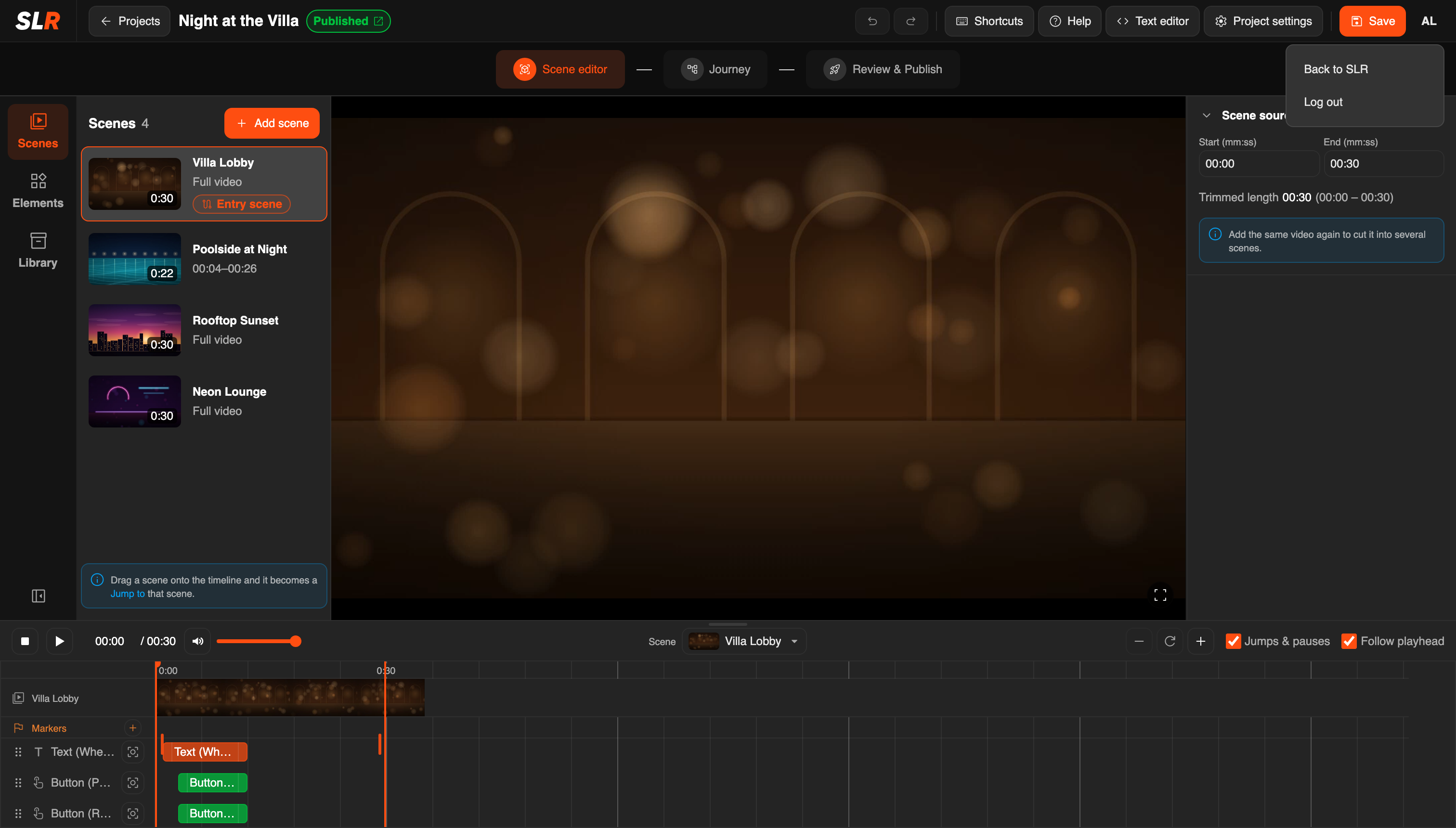
More room for the editor. The editor now uses the whole browser window. The SLR logo in its corner and Back to SLR in your account menu take you back to the site
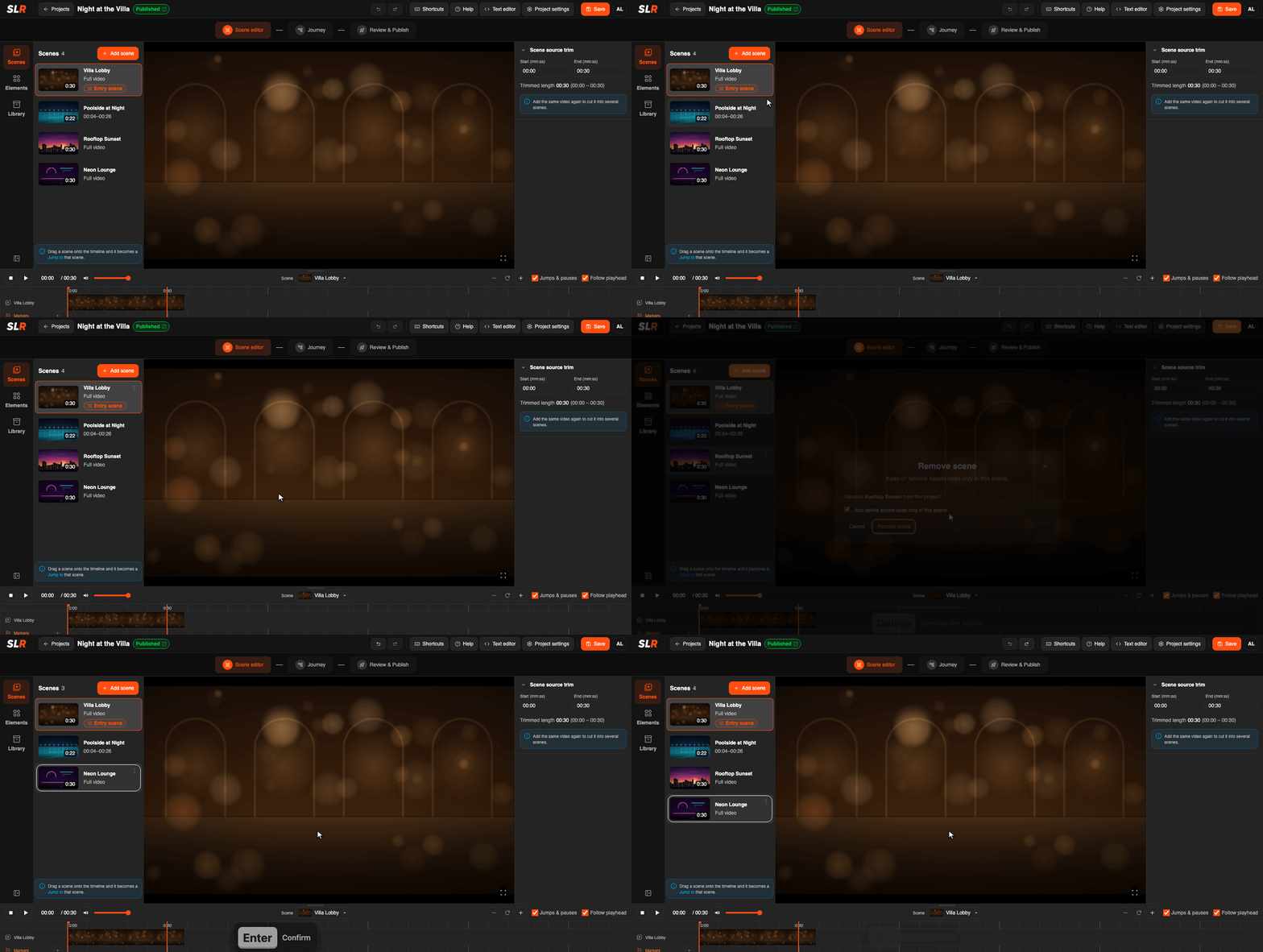
Delete a scene from the keyboard. Select a scene and press Delete. Enter confirms, Ctrl/Cmd+Z brings it back
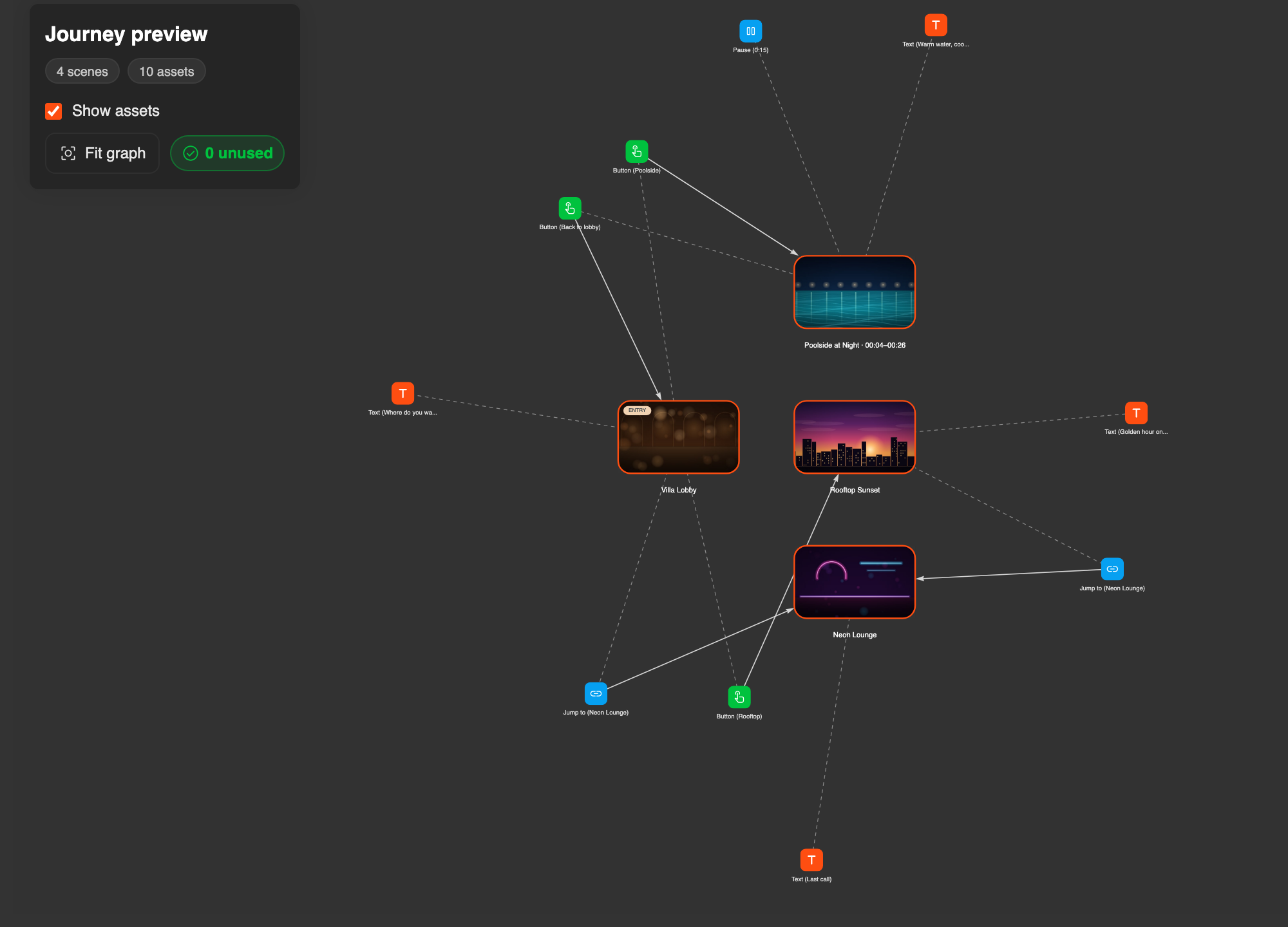
A clearer Journey graph. With Show assets on, every text, button, Jump to and Pause gets its own colour and icon, as on the timeline
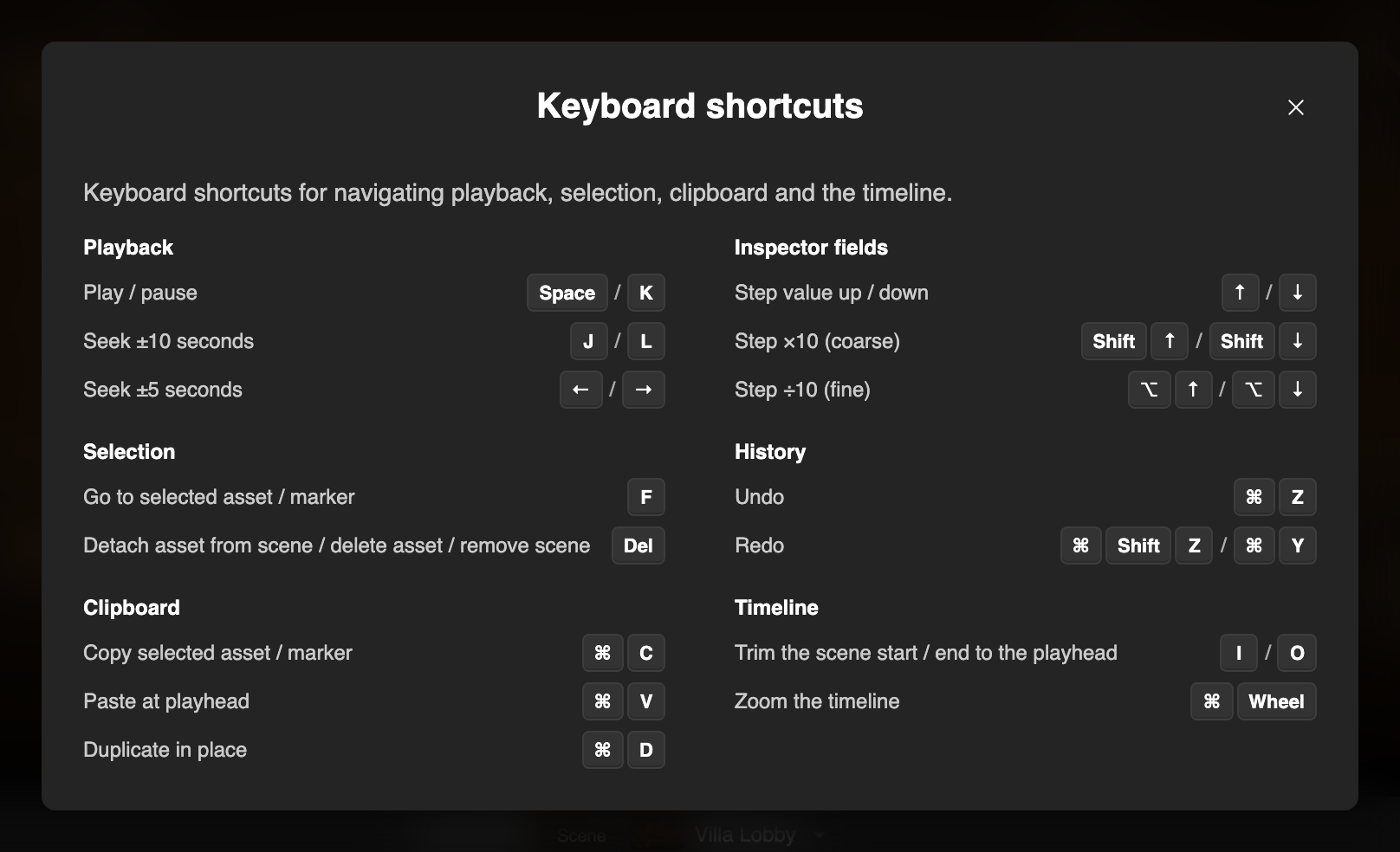
Shortcuts. The modal now uses a clearer two-column layout, making shortcuts easier to scan
BYOJ Videos
- My Journeys can be sorted Alphabetically (A-Z)
- The comment count on a journey card opens the journey’s comments
Smaller changes in the editor
- Keyboard focus shows on every control, including sliders, search fields and project cards
- Dropdowns, like the Scene picker, work with the arrow keys
- In Button settings, Click comes right after Timing
- Scenes cut from the same video keep their (2) when the title is long
- The Library shows a trimmed scene’s time range
- The Jump to / Pause note over the video stays on one line with long scene names
- Notifications appear at the bottom centre, no longer over the header buttons
Try the update and let us know in this thread what works well, what’s missing, or what feels off
Thanks for building with BYOJ!
